
A practical HVAC local SEO system that connects Maps, service pages, reviews and tracking to booked work
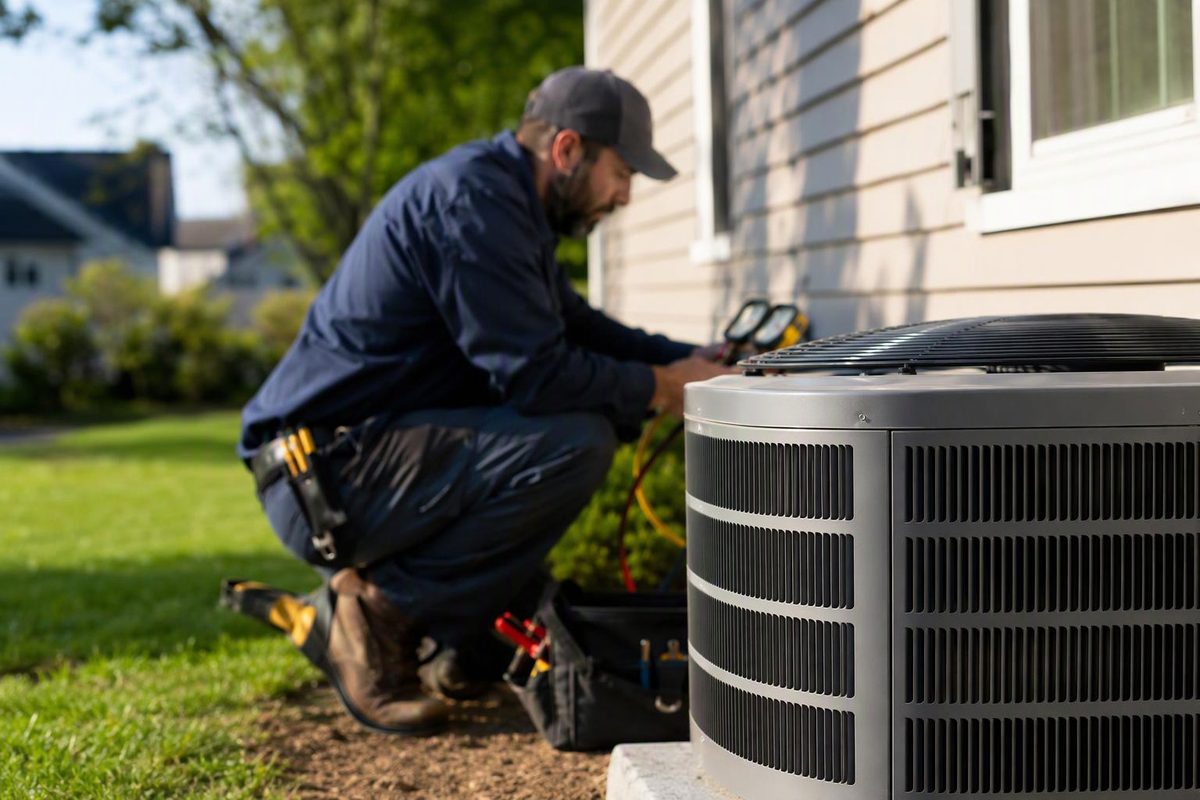
Build HVAC local visibility with an accurate profile, useful service pages, genuine reviews and reporting from search activity to booked revenue.
Local SEO for HVAC should connect three things: the service a customer needs, the area the company can actually serve and a fast path to a booked appointment. That requires more than adding city names to a website or completing a Google Business Profile once.
The practical system has four parts:
- An accurate, policy-compliant Business Profile
- Service and location pages that answer real buying questions
- A steady process for earning genuine customer reviews
- Tracking that connects search activity to qualified calls and booked jobs
Start with service demand, not a giant keyword list
Organize keyword research around the work the company wants and can profitably fulfill. For an HVAC business, the first groups might be:
| Demand group | Example searches | Best destination |
|---|---|---|
| Urgent repair | AC repair, furnace repair, HVAC repair near me | Individual repair service page |
| Replacement | AC replacement, furnace installation, heat pump installation | Installation or replacement page |
| Planned maintenance | HVAC maintenance, AC tune-up, furnace service | Maintenance-plan or tune-up page |
| Equipment or problem | Mini-split installer, AC not cooling, furnace blowing cold air | Service page or expert guide |
| Local intent | AC repair in [city], HVAC contractor [city] | A genuine location page or relevant service page |
Prioritize each group using business data, not search volume alone. Look at average job value, close rate, gross margin, service capacity, seasonality and geographic fit. A lower-volume replacement query may be worth more than a broad informational term that generates no serviceable calls.
Interview dispatchers and technicians before building the page plan. Their call notes reveal the language customers use, recurring objections, equipment issues, financing questions and jobs the company declines. Those details make pages more useful and help prevent marketing from generating the wrong work.
Make the Google Business Profile accurate
Google says local results are mainly based on relevance, distance and prominence. Complete business information helps relevance; the searcher’s location affects distance; and links, reviews and ratings can contribute to prominence. Google also states that a business cannot request or pay for a better local ranking (Google Business Profile Help).
For an HVAC company, the profile checklist is straightforward:
- Use the real-world business name, without adding cities or services that are not part of the name.
- Select the most specific primary category that describes the core business, then add only relevant secondary categories.
- Add the services actually offered, such as air-conditioning repair, furnace installation and heat-pump maintenance. Google allows services to be grouped and supplemented with descriptions and prices (Google Business Profile Help).
- Keep the phone number, website, normal hours and holiday hours current.
- Add original photos of technicians, vehicles, equipment and completed work, subject to customer permission and privacy requirements.
- For a multi-location company, link each profile to the website page that represents that actual location rather than sending every profile to a generic page.
An HVAC contractor that visits customers but does not serve them at its business address is a service-area business; one that serves customers at a staffed address and also travels to them is a hybrid business. If customers do not visit the address, Google says to hide it. Virtual offices are not eligible. A service-area business normally gets one profile for its central location, while separate profiles are allowed for real locations with separate staff and service areas—not rented addresses created to gain map coverage (Google’s representation guidelines).
A profile can contain up to 20 service areas. Google advises keeping the overall boundary within roughly two hours’ driving time from the business base, while noting that larger areas may be appropriate for some businesses. Enter cities, postal codes or other defined areas rather than a radius (Google Business Profile Help). Adding every possible city does not remove the distance component of local ranking.
Build pages around services and legitimate locations
A useful HVAC site normally needs a strong page for each commercially important service, such as:
- Air-conditioning repair
- AC installation and replacement
- Furnace repair
- Furnace installation
- Heat-pump repair and installation
- Ductless mini-splits
- Indoor air quality services
- Preventive maintenance or service plans
- Commercial HVAC, if it is genuinely offered
Each page should help a customer decide whether to call. Explain symptoms, supported equipment, the diagnostic or installation process, service boundaries, available scheduling, warranties, financing where applicable and what happens after an enquiry. Avoid guarantees that operations cannot consistently honor.
Create a city page only when the company serves that market and can make the page materially local. Useful differentiators include the dispatch area, locally relevant equipment or climate considerations, work examples, customer reviews, verified permit information and the nearest staffed branch. Swapping one city name into dozens of otherwise identical pages is not a local strategy. Google classifies substantially similar city pages that funnel users to one destination as doorway abuse; blocks of city names can also qualify as keyword stuffing (Google Search spam policies).
For a broader sequencing plan, use this 90-day home-services SEO guide. Multi-trade operators can also adapt the service-area and lead-tracking workflow in this local SEO plan for plumbing.
Supporting articles should answer questions that arise before a booking, not chase unrelated traffic. Good candidates include:
- Repair or replace an older air conditioner?
- Why is the heat pump running continuously?
- What affects the cost of a furnace replacement?
- Which HVAC maintenance tasks can a homeowner do safely?
- What information should a customer prepare before an emergency call?
Have a qualified employee review technical and safety-sensitive advice. Name the reviewer and update the article when products, incentives or local rules change. Google’s content guidance emphasizes useful, reliable, people-first material and recommends making authorship and relevant expertise clear (Google Search Central).
Remove technical and conversion friction
Technical SEO cannot compensate for weak service coverage, but technical failures can hide otherwise useful pages. Check that priority URLs:
- Return a successful status code and are indexable
- Have unique, descriptive titles and headings
- Appear in navigation and receive relevant internal links
- Work well on mobile and load without blocking the phone number or form
- Use one canonical URL rather than several competing versions
- Appear in an XML sitemap submitted through Search Console
Where a real location page displays a public business address, add accurate LocalBusiness structured data for that location. Google says this markup can describe details such as the business address, telephone number and opening hours (Google Search Central). Do not expose a private address merely to add markup, and keep every marked-up detail consistent with the page. Treat schema as machine-readable clarification, not a ranking shortcut.
Conversion design matters just as much. Put a tap-to-call number and a short booking form near the top of urgent-service pages. State the service area and operating hours clearly. Ask only for information dispatch needs: contact details, location, service requested, urgency and a short description. Confirm what happens next instead of leaving the customer wondering whether the request was received.
Build reviews into job completion
Ask every eligible customer for an honest review after the work is complete. Google provides a review link or QR code that can be added to thank-you emails, receipts and chat interactions (Google Business Profile Help). An HVAC company can add that link to its completed-job text or email workflow, then send one polite reminder if needed.
Do not offer a discount, gift or contest entry for a review. Do not ask only customers expected to leave positive reviews, pressure customers to review on the premises or request specific wording. Google prohibits incentives, selective solicitation of positive reviews and attempts to influence review content (Google Maps content policy).
Respond to positive and negative reviews without exposing private customer or job information. A useful negative-review response acknowledges the concern, states what can be checked and moves account-specific discussion to a private channel. Google likewise advises protecting privacy and taking complex disputes to phone or email (Google Business Profile Help).
Measure booked work, not rankings alone
Use three reporting layers:
- Visibility: non-brand impressions and clicks for priority services and locations
- Leads: qualified calls, forms, messages and booked estimates
- Revenue: appointments completed, jobs sold, revenue and gross profit by lead source
Search Console reports clicks, impressions, click-through rate and average position by query and page (Search Console Help). Business Profile performance can report searches, views, call-button clicks and website clicks, although Google notes that profile data can include both organic activity and Google Ads (Google Business Profile Help). These are useful diagnostic metrics, not proof of revenue.
Configure analytics events for form submissions and other meaningful website actions, then mark important actions as key events. Google Analytics defines a key event as an action particularly important to business success (Google Analytics Help). If call tracking is used, keep each number under the business’s control, test routing regularly and document which number appears in the Business Profile, on the site and in campaign reporting.
The final step is CRM or dispatch reconciliation. Each month, compare qualified leads, booking rate, completed jobs, average ticket and gross profit by source and service line. That exposes problems a ranking report misses: unanswered calls, weak scheduling coverage, low-quality enquiries or pages promoting work the company cannot fulfill.
A sensible first 90 days
Days 1–30: Correct profile eligibility, categories, services, hours and service areas. Fix tracking, mobile call paths and indexation problems. Establish baseline leads and booked revenue.
Days 31–60: Improve the highest-value repair and replacement pages. Consolidate thin or duplicate city pages. Start the post-job review request workflow.
Days 61–90: Publish the most commercially useful missing service or location pages, add technician-reviewed supporting content and compare lead quality by page and query group.
Keep paid acquisition separate in reporting. In the US, HVAC is among the categories listed for Local Services Ads, but availability still depends on the business and area. Google describes this as a paid product in which advertisers pay for relevant leads, not organic placement (Local Services Ads Help). It can supplement local SEO during peak demand, but ad visibility should never be reported as an organic ranking gain.
The operating target is not “rank number one everywhere.” It is a defensible increase in qualified calls and profitable booked jobs from the services and areas the HVAC company is equipped to serve.